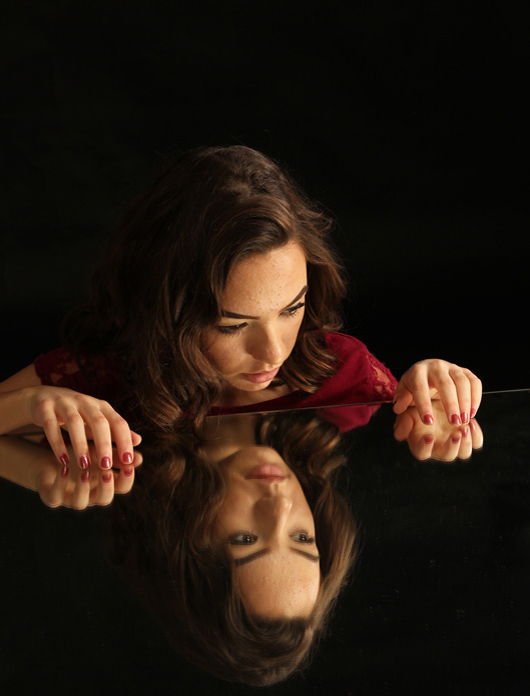
Double portrait using a mirror.

Capturing a double portrait using a mirror create a visually intriguing and artistic photograph.

Capturing a double portrait using a mirror creates a visually intriguing and artistic photograph.

Equipment Needed:

  • Camera (smartphone or DSLR)
  • Mirror
  • Tripod (optional but helpful)
  • Lighting equipment (optional)

Steps:

  1. Select the Right Mirror:
    • Choose a clean, large mirror with minimal distortions. The size of the mirror will affect the composition and how much of the subjects you can capture.
  2. Find the Ideal Location:
    • Position the mirror in a well-lit area. Natural light is best, but if indoors, ensure there’s sufficient artificial lighting. A plain background helps keep the focus on the subjects.
  3. Set Up the Camera:
    • Place the camera in front of the mirror, ensuring it captures both the reflection and the subjects standing in front of the mirror. Use a tripod for stability.
  4. Choose Your Subjects:
    • Decide who will be in the portrait. It can be one person with their reflection or two people, where one is reflected and the other is not.
  5. Position the Subjects:
    • Have the subjects stand at an angle to the mirror to capture their profiles and reflections. Experiment with different angles to find the most flattering positions.
  6. Compose the Shot:
    • Look through the viewfinder or at the camera screen to frame the shot. Ensure the mirror and subjects are both in the frame and consider the rule of thirds for balanced composition.
  7. Check the Lighting:
    • Adjust the lighting to ensure even illumination on both the subjects and their reflections. Avoid harsh shadows or glare on the mirror.
  8. Focus on the Subjects:
    • Set the camera to focus on the subjects’ faces. If using a DSLR, use manual focus or focus points to ensure clarity. For smartphones, tap on the screen to focus.
  9. Adjust Camera Settings:
    • Set your camera’s ISO, aperture, and shutter speed. A lower ISO reduces noise, a medium aperture (f/5.6 – f/8) ensures both subjects and reflections are in focus, and a fast shutter speed minimizes motion blur.
  10. Take Test Shots:
    • Capture a few test shots to check the lighting, focus, and composition. Adjust as needed based on the results.
  11. Direct the Subjects:
    • Guide the subjects on how to pose. Natural poses often work best, but feel free to experiment with different expressions and interactions.
  12. Capture the Final Shot:
    • Once satisfied with the setup and poses, take multiple shots to ensure you have a variety of options to choose from. Slight variations in each shot can provide different artistic outcomes.

Additional Tips:

  • Use Props: Incorporate props that can add to the storytelling of the portrait.
  • Post-Processing: Edit the photos using software like Adobe Lightroom or Photoshop to enhance the colors, sharpness, and overall look of the portrait.

By following these steps, you should be able to create captivating double portraits using a mirror, adding a unique dimension to your photography.

Assignments:

Winter landscape

Capturing a winter landscape with a phone camera then editing with Snapseed can be a rewarding experience.

White on black

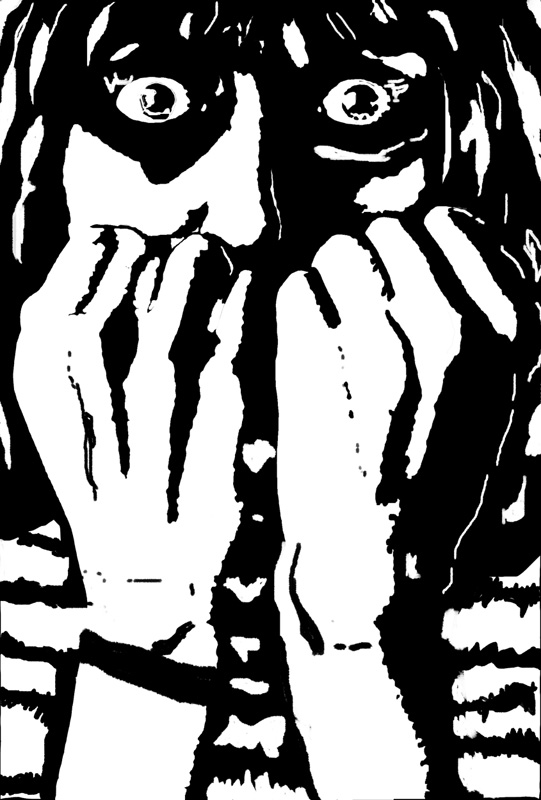
White on black- creating high contrast portraits.

Watercolor portrait

A structured approach and creative inspiration to watercolor portrait.

Watercolor Landscapes Step by Step

Watercolor is a unique and expressive painting medium that uses water to create soft, flowing effects. In this project, you will explore basic watercolor techniques while creating a simple yet beautiful landscape scene. This could be a sunset over a mountain, trees by a river, or rolling hills under a blue sky. The goal is to learn how to build up layers, control water and pigment, and use composition to guide the viewer’s eye.

Watercolor in Photoshop

Creating Fall and Thanksgiving Themed Watercolor Images in Adobe Photoshop.

War propaganda posters

War propaganda posters can be a powerful way to understand the visual and psychological strategies used in historical contexts. This assignment helps students design impactful and historically informed propaganda posters, incorporating elements from different countries and using modern tools for a creative twist.

Using Adobe Illustrator to draw human figures

An exercise in using Adobe Illustrator brushes.

Underwater

Creating watercolor effects using Photoshop brushes for underwater scenes.

Tribal design

Digital tools and practical applications of designs.

T-shirt design

Excellent application of Adobe Illustrator

Street art

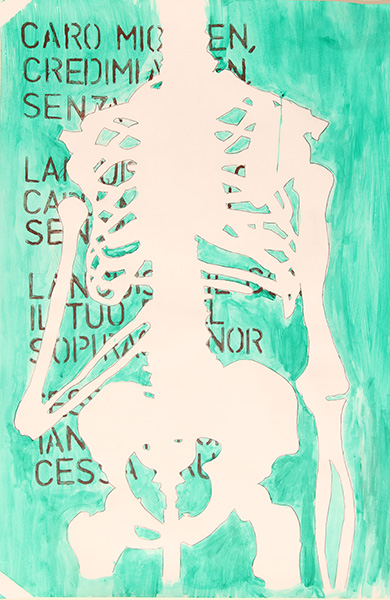
Street art inspired by a famous painting from art history.

Stippling-Understanding Light and Shadow

Stippling is a technique used in drawing where various shades and textures are created using only dots.

Still Life in Pastels

Students will create a pastel drawing on watercolor paper, starting with a light pencil sketch and applying pastel techniques—like blending and layering—while working from background to foreground, drawing inspiration from Paul Cezanne’s.

Still life in charcoal

Exploring grayscale and the effects of light and shadow.

Spray paint

Reproduce the same image multiple times using spray paint

Sports and action

Capturing sports and action in a studio setting using strobe lights with a DSLR camera.

Spooky, mysterious portraits using backlight effect

Use of studio strobe lights in portrait photography to create mood.

Shadow path

Light and shadows define form.

Shadow path

Exercise on perceptions of light and shadows.

Senior Art Class Sketchbook

A sketchbook is an essential tool for any artist, fostering creativity, growth, and a deeper understanding of one's artistic journey.

Senior acrylic painting

From building frame to acrylic painting.

Self-portrait in pastels

Self-portrait project using oil pastels and the grid technique, incorporating previous lessons on color theory.

Scratchboard drawing

Creating a detailed and realistic scratchboard drawing of a furry animal.

Scratch board

Creating a digital scratch board effect in Adobe Illustrator to mimic chalk on concrete or asphalt pavement.

Science Fiction Illustration

An assignment which engages students in illustration. This is an introduction to the animation used in gaming.

Recreating vintage photography

Recreating vintage photography involves attention to detail across various aspects such as costumes, chair styling, makeup, interior design, color tones, and sharpness.

Recreating movie posters

Recreating movie posters involves a mix of photography, design, and creative thinking, making it a comprehensive learning experience for students.

Poster-style portraits

Creating poster-style portraits using flat colors and lines is a great way for students to learn about graphic design principles and develop their artistic skills.

Portraiture photography using direct sources of light

Creating a portrait using a DSLR camera, flashlights, and color gels.

Pop-up cards

Professionally-looking pop-up card using Adobe Illustrator and a Cricut machine.

Polygon style illustration

Using simple shapes, light and shadow to create an illusion of space.

Pencil drawing of animals

Using observation, shading, and rendering textures to create realistic drawings.

Pencil Crayon Drawings

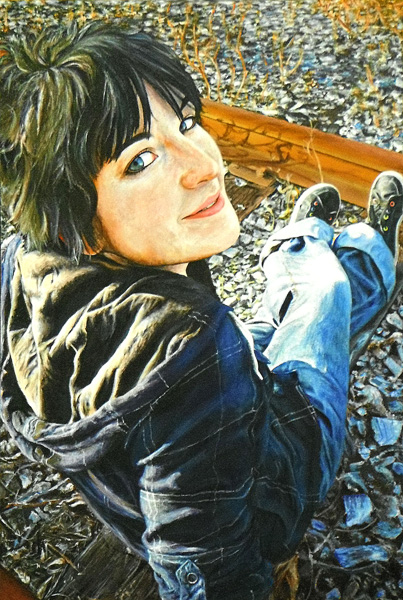
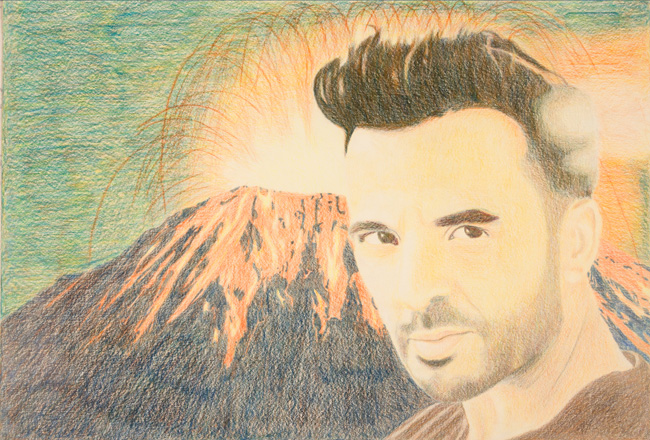
Creating layers of colours to built up to a three-dimensional form.

Pattern

Students will learn the basics of vector graphics by creating and manipulating simple shapes to design unique patterns. They will gain skills in using vector graphic software and understand fundamental concepts such as combining, cutting, dividing, and subtracting shapes.

Paper sculpture

Prototype of an outdoor sculpture.

Mask - Introduction to 3D

The paper mache technique project allows students to express their creativity and personal style.

Painting in the Style of the Group of Seven

Exploring paintings style of the Group of Seven

Package design

A final project in Media Arts. It combines design, marketing and legal aspects of package design. It is also a valuable exercise in 3-D design.

Old masters

This project not only teaches technical skills in photography and digital editing but also deepens the students' appreciation for art history.

Night photography

Students should be able to capture night cityscapes with vibrant light trails and clear details.

Negative space

The purpose of this exercise is to develop your ability to perceive objects as physical shapes rather than relying on verbal descriptions
Senior wood printing

Multi-color woodblock print

A multi-color woodblock print is an art that combines design, carving, and printing skills.

Mood boards

This lesson plan aims to combine 20th-century art history with practical design skills in layout design using Adobe InDesign,

Monoprint

Monoprint is a form of printmaking that produces unique, one-of-a-kind prints by applying ink or paint to a smooth surface and then transferring it onto paper or another material. Unlike other printmaking techniques, it does not allow for the creation of identical copies, making each print distinct and original.

Magazine cover page

This is a final project in the Publishing unit. It combines typography, layout design, studio photography, photo editing and preparing work for professional printing.

Low-key portrait with studio strobe lights

Low-key portrait with studio strobe lighting against a black background .

Logo design

Creating a logo that includes both letters and an illustration is a great exercise in design. For this project, let's walk through the steps to design a logo for one of my favorite animals: the owl.

Lino Block Printing

Introduction to Lino Block Printing for Grade 9 Students.

Large size posters

Large size posters with flat colors using acrylic paints.

Landscape in watercolor

Depth and distinction between the foreground, middleground, and background.

Landscape in pastels

Pastels - popular choice among artists for creating vibrant, expressive, and textured landscape artworks.

Landscape in acrylics

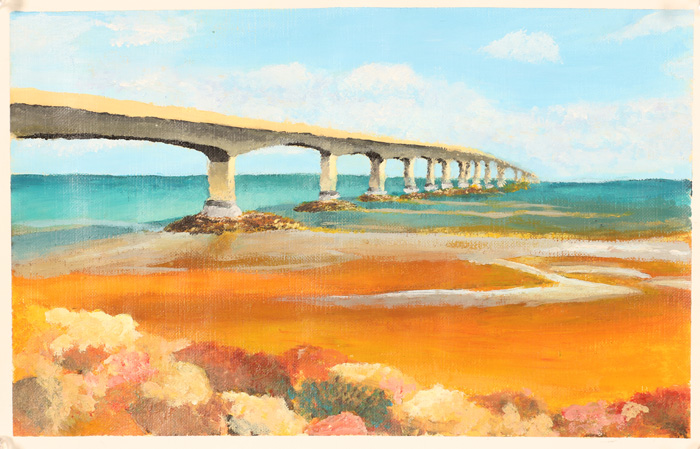
Start painting with the background, gradually add details to the middle ground and foreground, and use highlights and shadows to create depth.

Inuit Soapstone Sculpture

Process and tools involved in soapstone carving.

Introduction to Watercolor

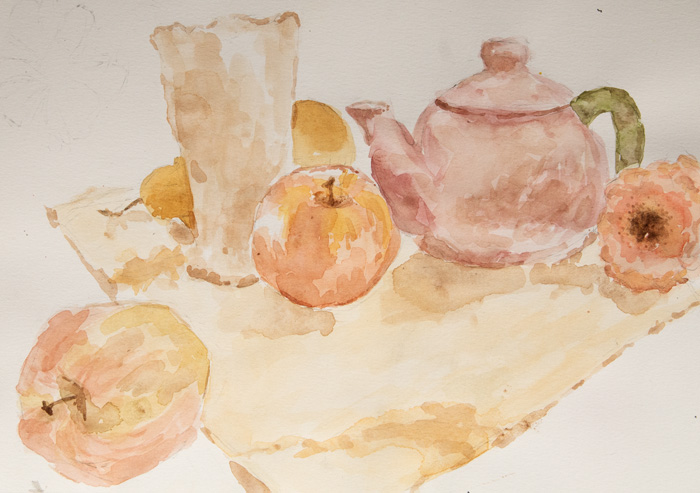
In this introductory painting project, students will learn foundational painting skills by creating a simple still life composition.

Introduction to vector illustration

Adobe Illustrator is a powerful vector graphics software that is widely used for creating a variety of digital artworks. It is the industry standard in animation, mapping, medical illustration, and fashion.

Art installation

The art installation is a three-dimensional students work of art displayed in the school space.

Ink Wash Technique

Working with gray scale on still life.

Images in the style of Georgia O'Keeffe

Creating images in the style of Georgia O'Keeffe using a phone camera and the Snapseed app.

History of the XX c posters art.

Recreating posters involves capturing the essence of each graphic design style from the 20th century.

High key portrait

High key portrait with studio strobe lights and a white background .

Heritage

Final project in senior art class.

Healthy Drinks Commercial Poster

Create a commercial poster promoting healthy drinks by capturing the dynamic splash of liquids, accompanied by a catchy slogan.

Hands-On Lesson on Op Art

This lesson introduces students to the history and techniques of Op Art, a visual art form that leverages optical illusions. Students will explore the works of two prominent Op Art artists, create sketches, and use Adobe Illustrator to design their own Op Art pieces.

Grid tonal portrait

Grid portrait using shading techniques .

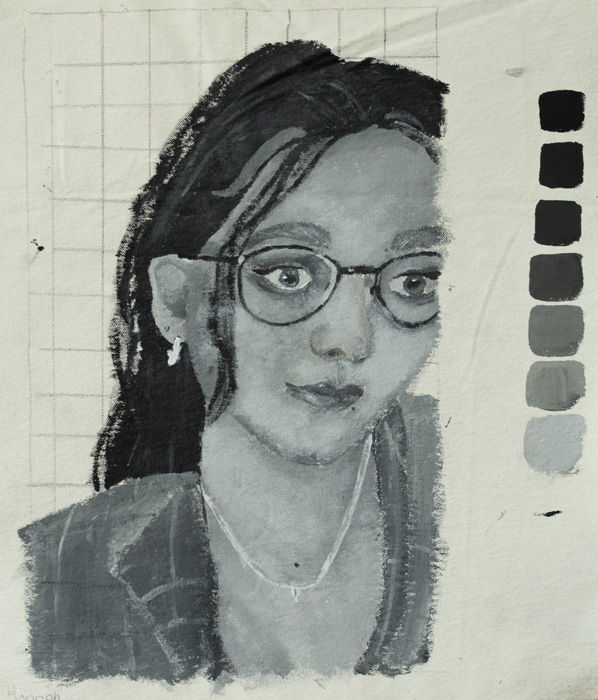
Gray scale grid portrait, acrylics.

Students will create a grayscale portrait using acrylic paint on a primed canvas, guided by a photograph and the grid drawing technique.

Figure drawing

Learning to draw the human figure as a three dimensional form.

Fashion Design photography - Inspiration from Fine Art trends.

Create a cohesive and visually appealing fashion design project that merges art history with contemporary fashion design.

Etching

Creating the effect of etching without using acid .

Digital woodcut

This assignment teaches how to simulate traditional woodcut techniques, inspired by 20th-century German artists like Emil Nolde, Käthe Kollwitz, Vasily Kandinsky, and Karl Schmidt-Rottluff.

Digital Watercolors Using clipping mask in Adobe Illustrator

Creating digital watercolors using Adobe Illustrator.

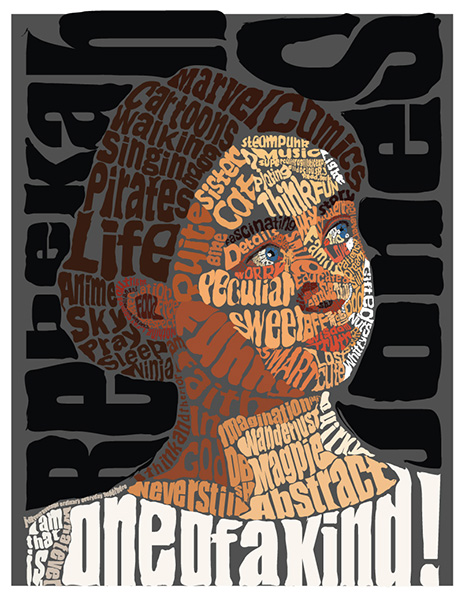
Creative typography

Steps for Illustrating a Poem Using Text on a Path in Adobe Illustrator

Creating Word Art in Adobe Illustrator

Creative way of using typography.

Creating Designs with Lines using Adobe Illustrator

Students will learn to use lines as fundamental elements in design. They will explore how different types of lines (e.g., short, long, vertical, horizontal, straight, curved, dotted, sharp, and fuzzy) can impact a design's aesthetic and feel. They will create their own designs using Adobe Illustrator, manipulating lines to understand their effects on design.

Creating Artwork in the Style of Art Nouveau

Familiarize yourself with the characteristics of Art Nouveau, such as flowing lines, organic forms, and intricate details.

Creating Artwork in the Style of Art Nouveau using Adobe Photoshop.

This assignment combines lessons on Art Nouveau and using ABR brushes.

Creating art from recycled materials

Combining creativity with environmental responsibility.

Continuous Line Drawing

Continuous line drawing is a fun and challenging technique that helps improve your hand-eye coordination and creativity.

Constructivism

This assignment teaches about constructivism and utilizing advanced techniques in Adobe Illustrator and Photoshop.

Color gels

Creating dramatic portraits with color gels involves using colored filters over your lighting sources to create vivid, eye-catching effects.

Collage-white on brown

Collages on brown recycled paper with white elements and other found materials.

Butterfly-style portraits

Butterfly-style portraits using strobe lights involves a technique where the subject is illuminated from both sides, creating a symmetrical lighting pattern that resembles the wings of a butterfly.

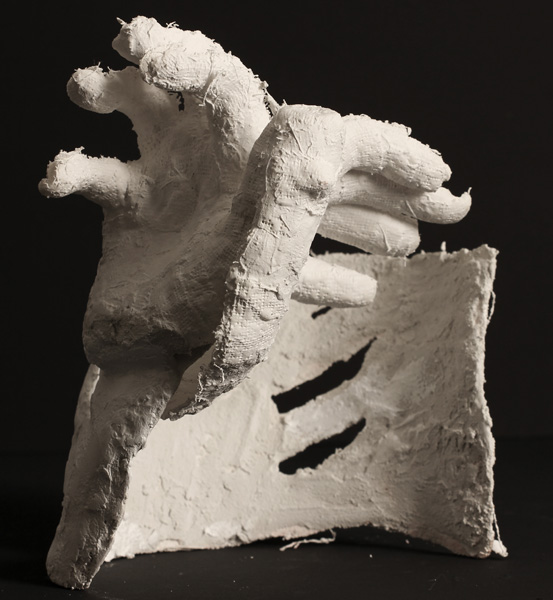
Body casting

Artistic body casting is a sculptural technique that involves creating a mold of a person's body parts and then using that mold to produce a detailed replica.

Billboards

Create a bold, visually striking billboard advertisement that promotes healthy eating habits. Your design must capture attention, deliver a clear message, and be readable and memorable in just a few seconds.

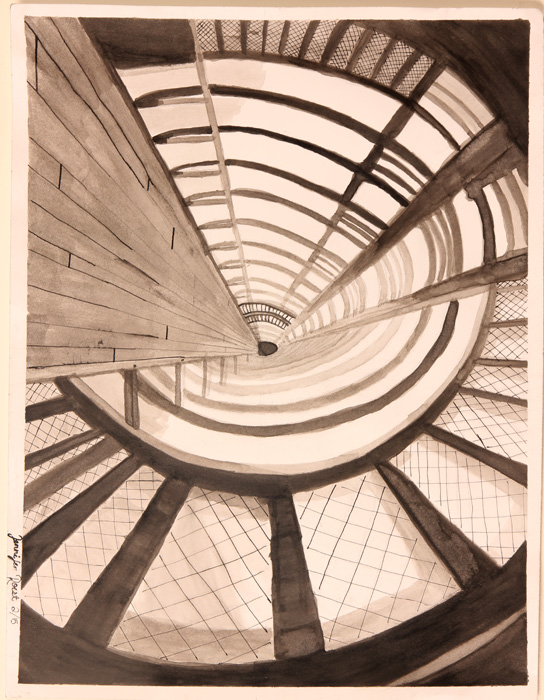
Architectural perspective

Students will explore the use of linear perspective and aerial perspective through architectural subject matter.

Anamorphic Illusions

Creating anamorphic illusions through perspective drawing in Adobe Illustrator can be a fascinating project for high school students.

Anamorphic drawing illusion

Creating an anamorphic drawing illusion involves a combination of perspective, shading, and illusion techniques.
Pixelated Mario Character

8 Bit Graphics

Introduce students to Adobe Illustrator by creating 8-bit graphics.

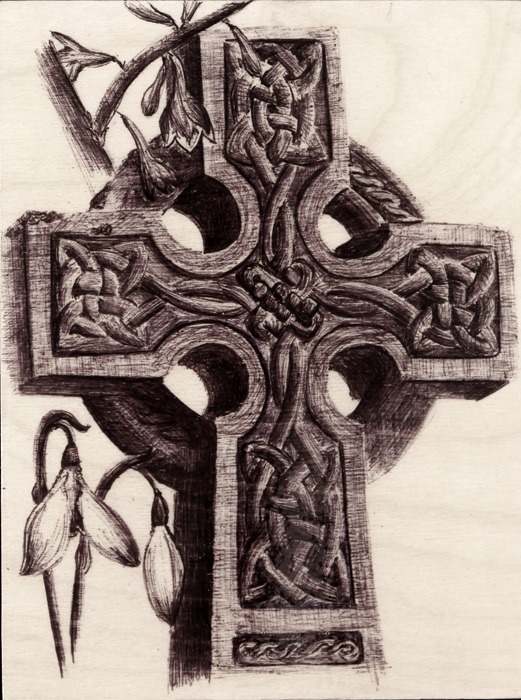
 Pen Art on Wood Boards

Collaborative project involves larger designs divided into sections for each student to complete.

 Infographics

An exercise in the use of Adobe Illustrator to present information in a visually compelling way.